Step-By-Step Guidance for Successful Corrupt Backup Repair Process
The ladder of success must be set upon something solid before you can start to climb. Likewise minute mistake due to improper familiarity from your side can leave the recovery process incomplete. Therefore, it is better to acknowledge about step-by-step recovery process before you actually perform corrupt backup repair process. Have a look at below mentioned steps to have a clear idea as how the software works.
1. After getting the full pro version of the software, install it in your computer system. Then, go to 'Start'>>'Programs'>>'BKF Recovery software'. When you open the software after completion of the above mentioned steps, you will find the following screen
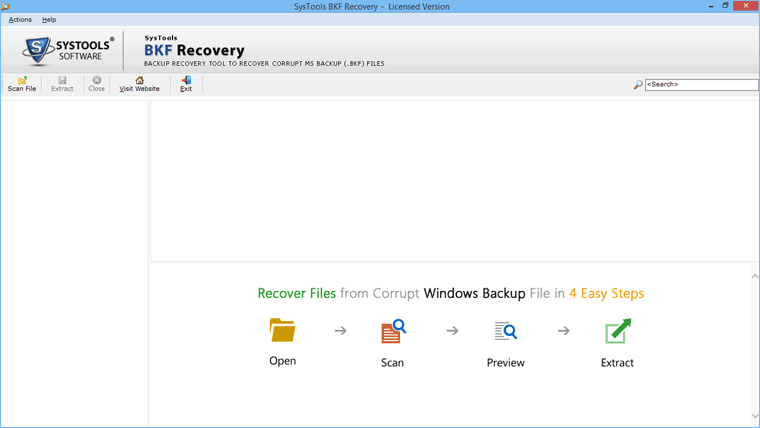
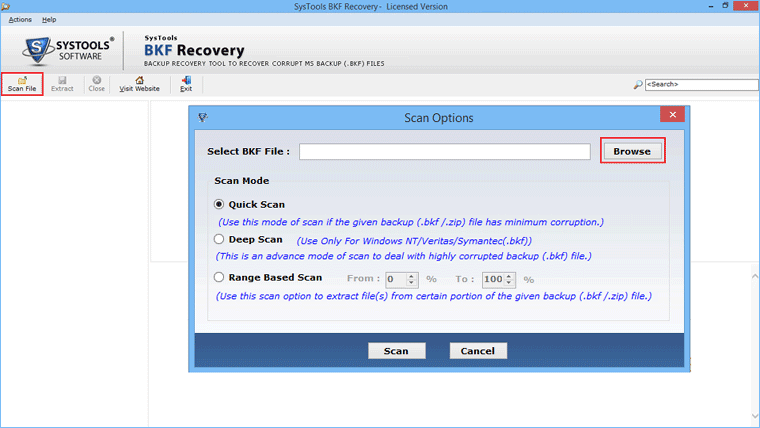
2. Browse The corrupt BKF file
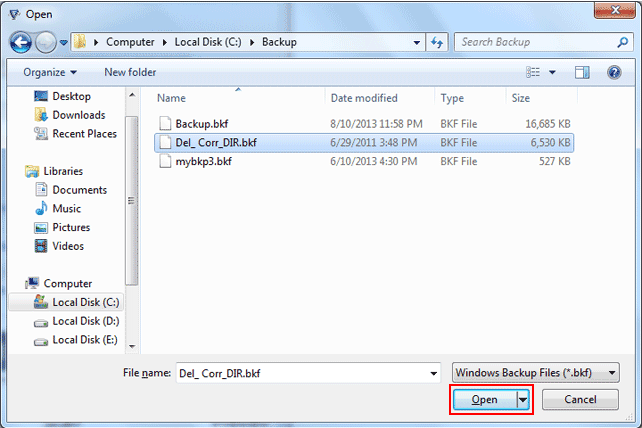
3.Select & open the BKF file.
4. To start, click on scan button which shows you the scanning options like; Quick scan, Deep Scan and Range Based Scan to proceed the recovery process.

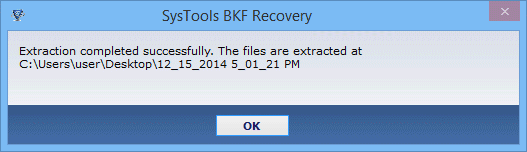
5. You can Extract recovered BKF Files.
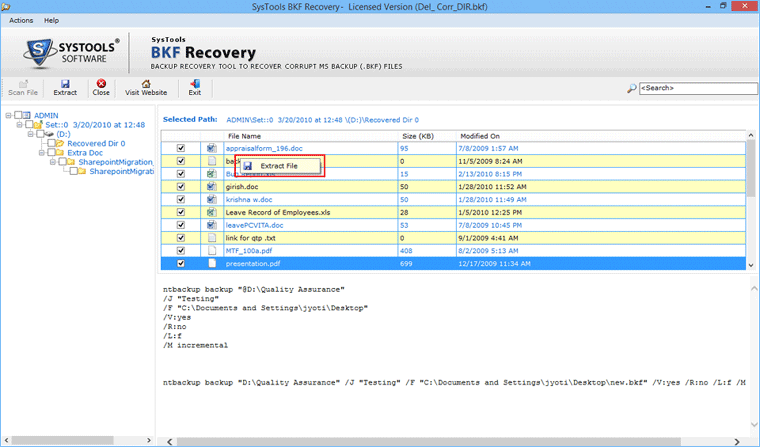
6.Backup Successfully Recovered: